TimerBox

Works with OBS, Streamlabs, and any browser source.

Open stream builder

Loading Broadcast Leader preview

Preview paused

Timer theme

Broadcast Leader

The frame closes around a clear countdown.

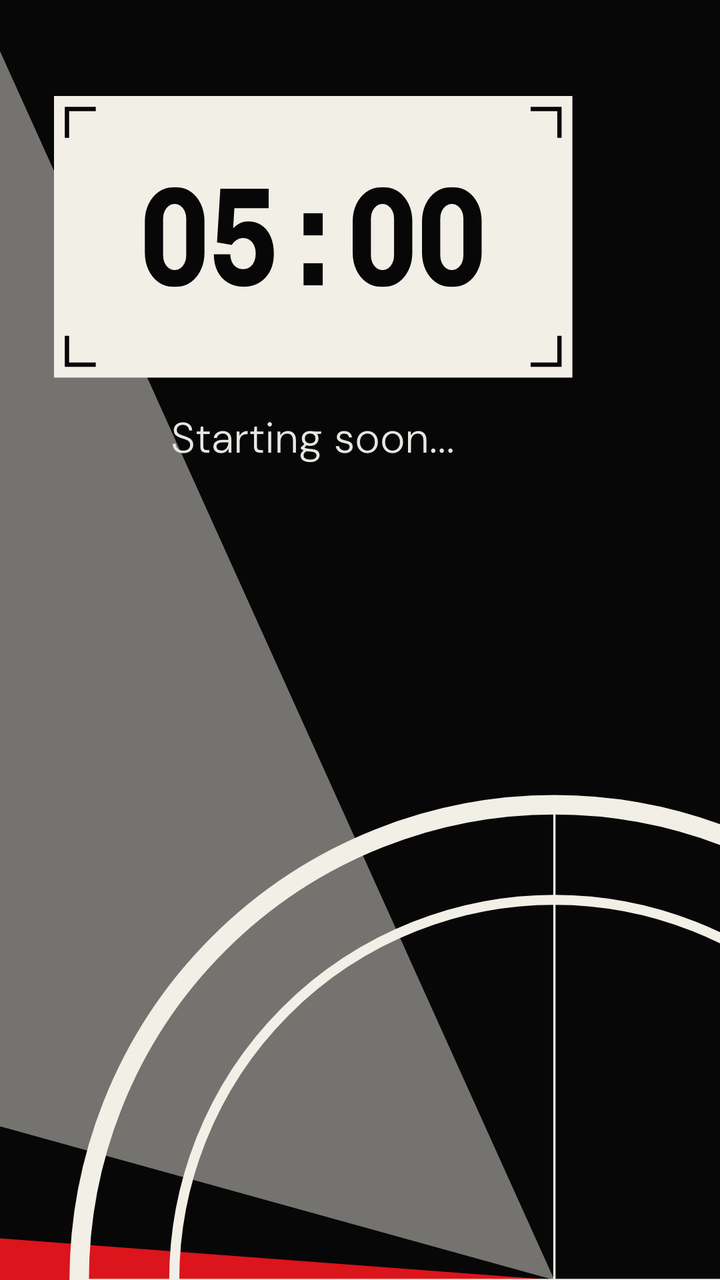
The gray aperture closes as time runs out while a red signal sweeps the frame. The time sits inside one clear broadcast gate.

OverlayFull background
Use Broadcast Leader

See it in your scene

16:9Full background
16:9Overlay on stand-in scene art
Broadcast Leader in a vertical 9:16 frame
9:16Vertical

Every state

What Broadcast Leader looks like at the moments a preview never reaches. Captured from the same renderer OBS runs.

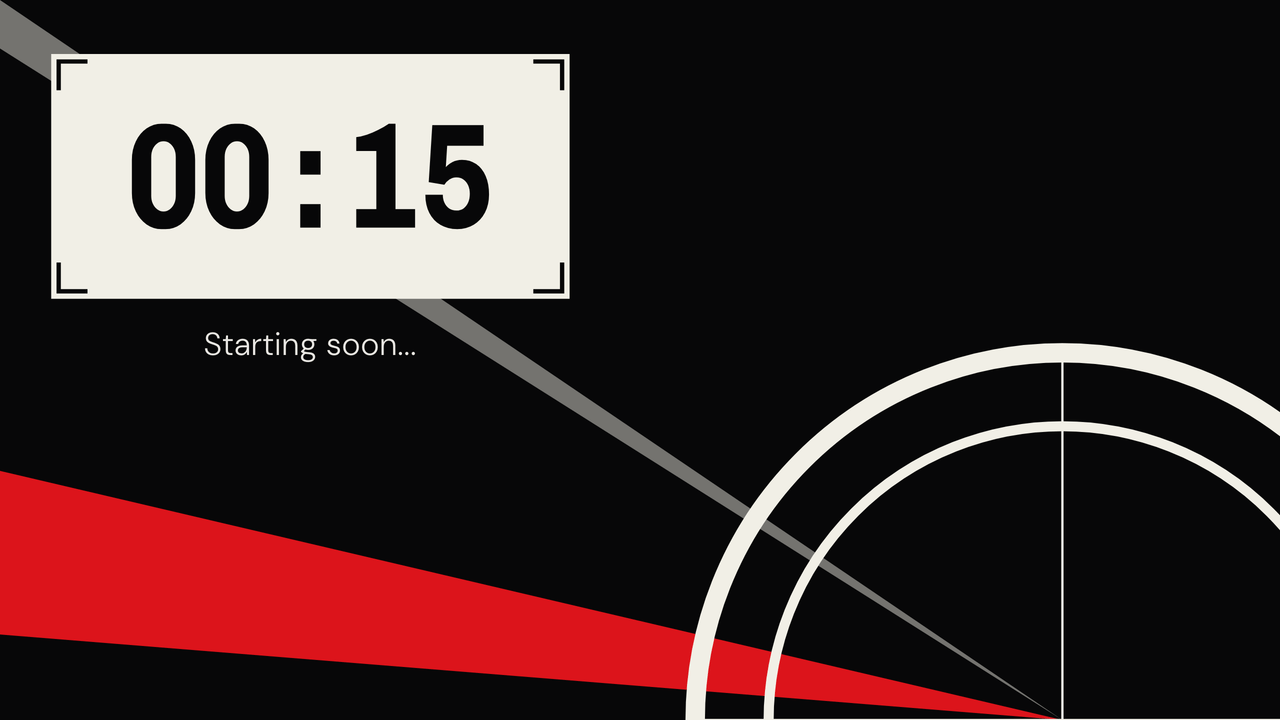
  • Broadcast Leader: final minute. 15 seconds left of a 5-minute timer.

    Final minute15 seconds left of a 5-minute timer.

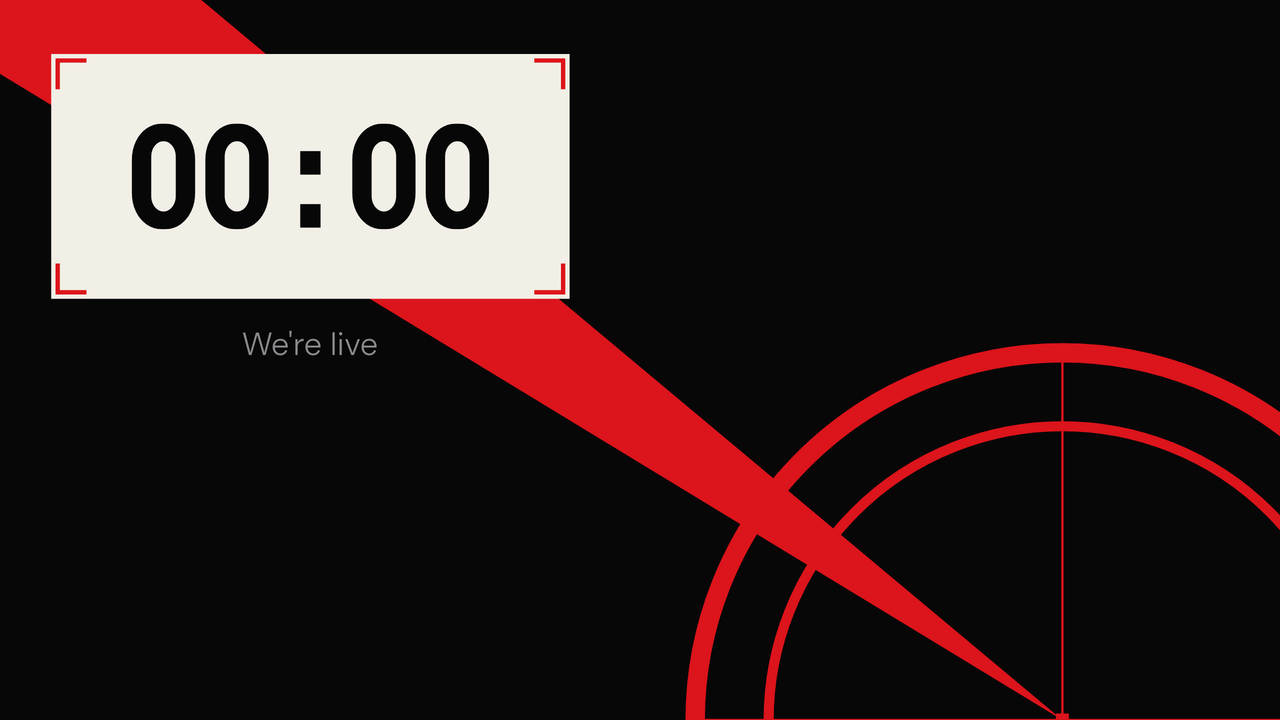
  • Broadcast Leader: zero. The end message replaces the message.

    ZeroThe end message replaces the message.

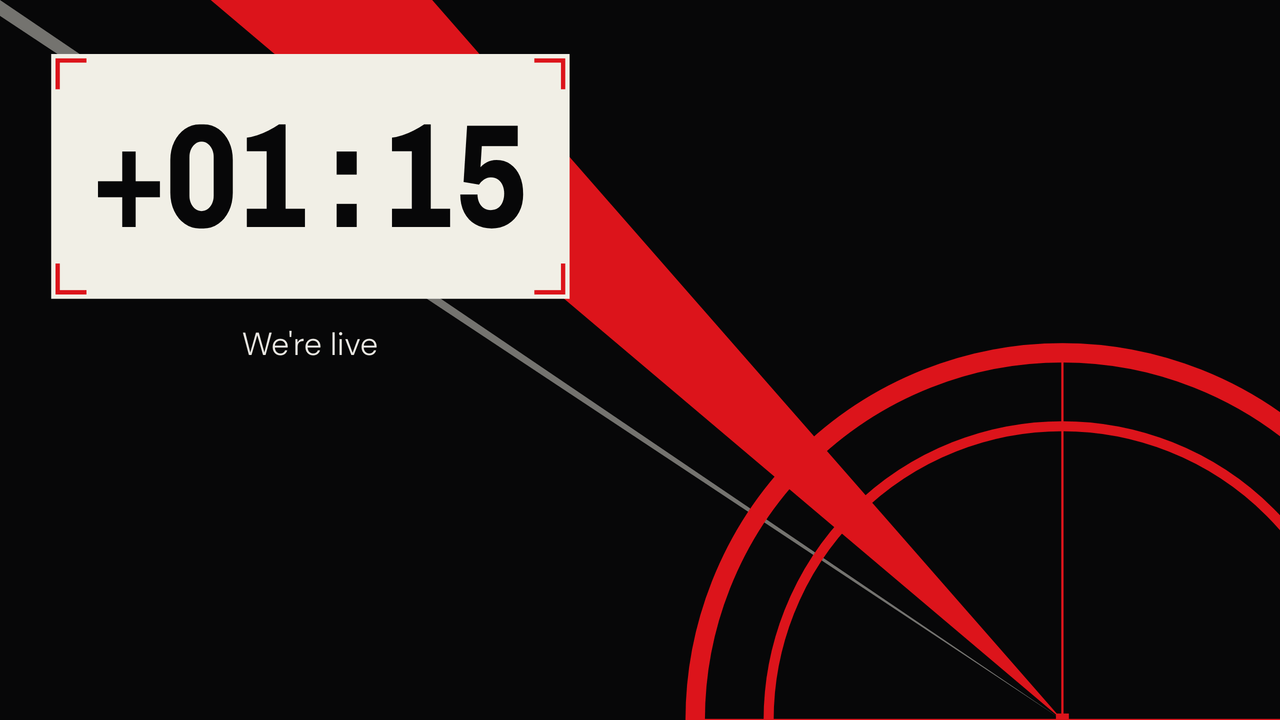
  • Broadcast Leader: overtime. Counting up past zero, 1:15 over.

    OvertimeCounting up past zero, 1:15 over.

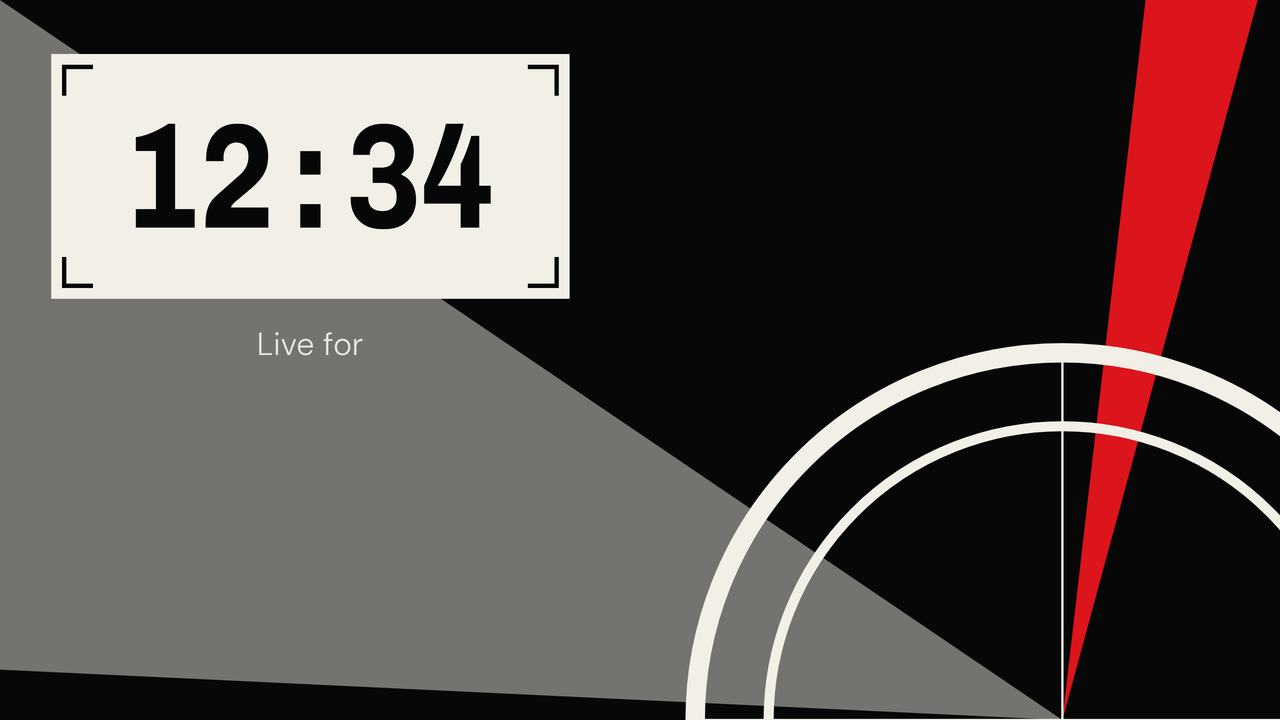
  • Broadcast Leader: count up. A stopwatch, 12:34 in.

    Count upA stopwatch, 12:34 in.

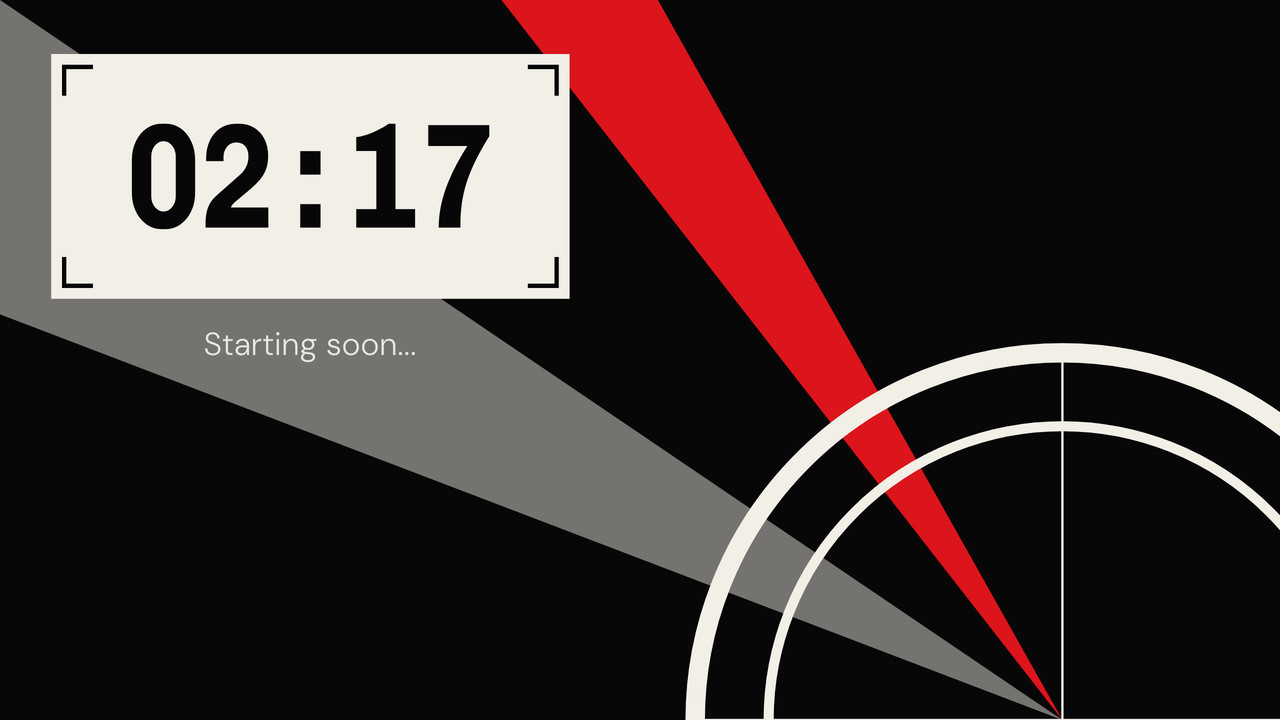
  • Broadcast Leader: paused. Stopped mid-run at 2:17.

    PausedStopped mid-run at 2:17.

How Broadcast Leader works

The gray aperture shows the full countdown. It closes toward a fixed target as the timer reaches zero. The red signal moves once each second and reverses at the edge of the frame.

What can I change?

Pick the background color, or remove the background and keep the signals and time frame over your scene.

Broadcast Leader controls its red, gray, paper, and digit face. A saved bar, ring, color, digit-font, or font-size setting doesn't change the design. Duration, clock targets, messages, start triggers, resume, and overtime still work.

What happens at the end?

The last minute closes the marks around the time. Zero locks the target in red, and overtime keeps it locked while the red signal keeps moving.

Theme controls

  • Ground color

    Pick the ground color behind Broadcast Leader.

  • Transparent mode

    Remove the full background and show the timer over your OBS scene.

A plain timer stays ready.

TimerBox shows a visual theme only after the full display is ready. If the theme cannot start or stops drawing, a plain digit timer takes its place.