TimerBox

Works with OBS, Streamlabs, and any browser source.

Open stream builder

Loading Hex Sketch preview

Preview paused

Timer theme

Hex Sketch

Six lit panels. One flips every second.

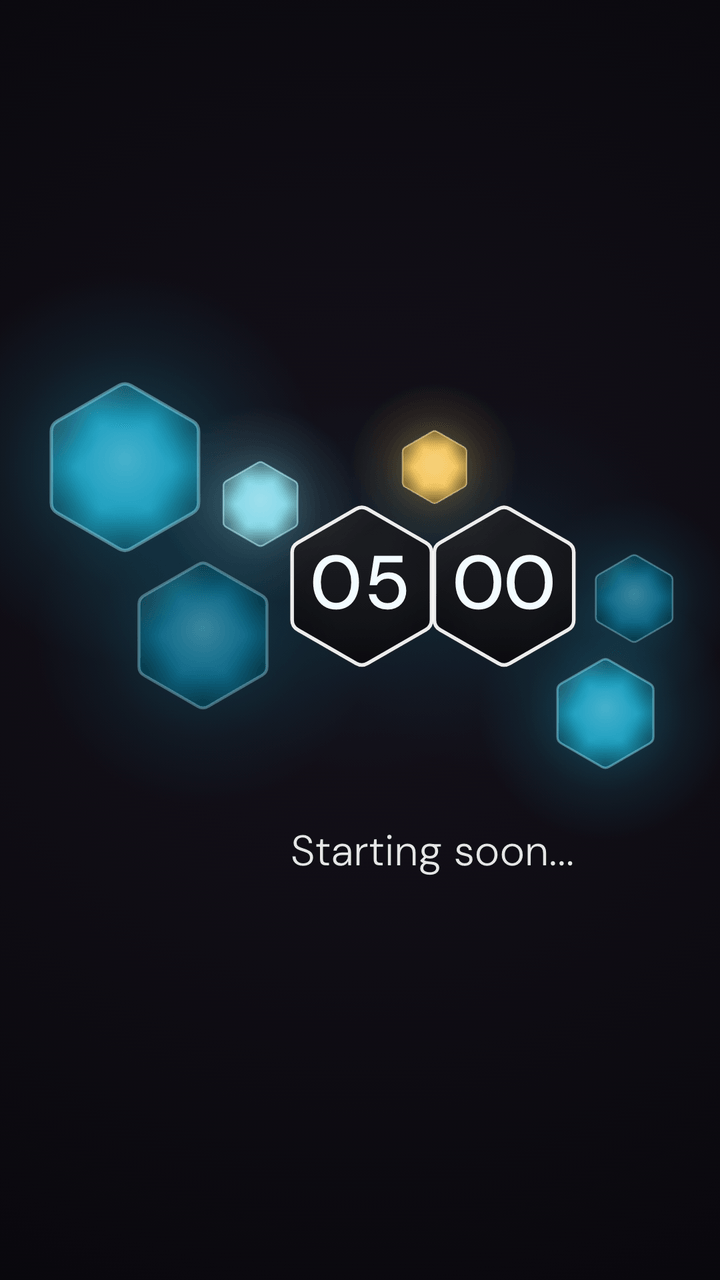
Six lit hexagon panels in mixed sizes, strung along a loose line around two dark clock cells. Minutes sit on one cell, seconds on the other, with no colon between them. Every second, one panel flips on its axis into the next color of the set. The flips walk clockwise around the digits, and the seconds cell glows with the color that just changed. Nothing else moves.

OverlayFull background
Use Hex Sketch

See it in your scene

16:9Full background
16:9Overlay on stand-in scene art
Hex Sketch in a vertical 9:16 frame
9:16Vertical

Every state

What Hex Sketch looks like at the moments a preview never reaches. Captured from the same renderer OBS runs.

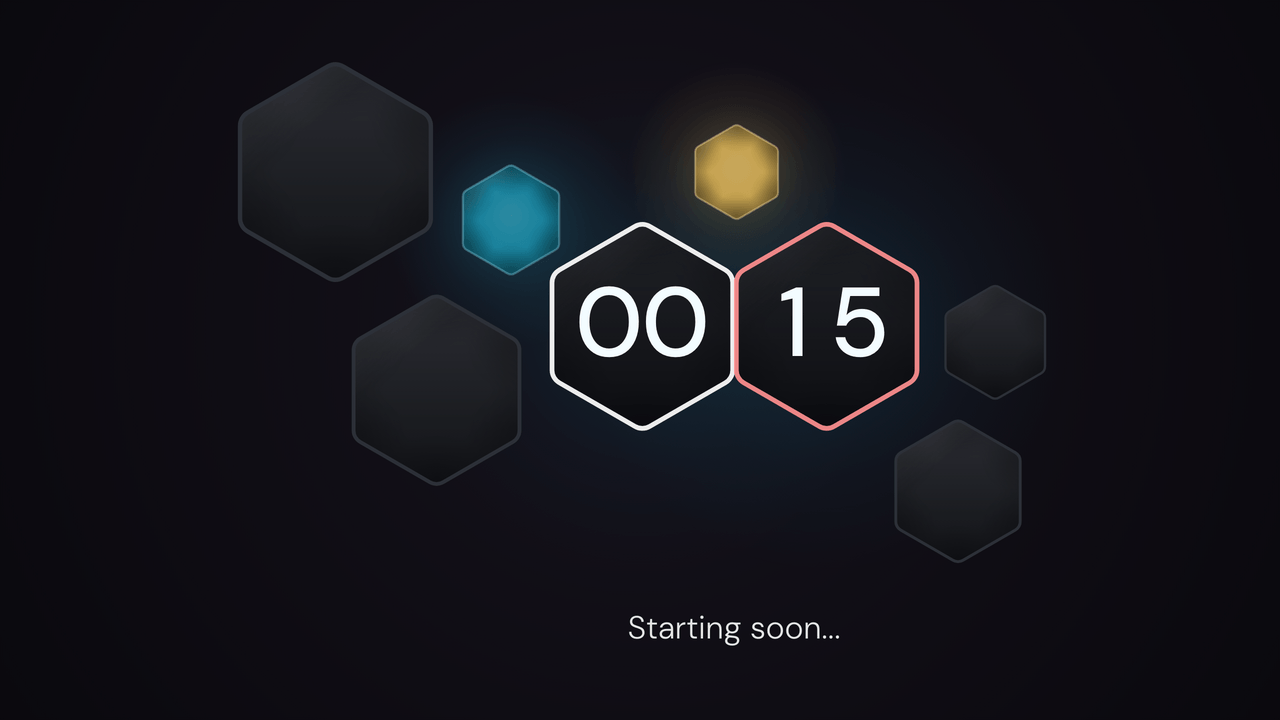
  • Hex Sketch: final minute. 15 seconds left of a 5-minute timer.

    Final minute15 seconds left of a 5-minute timer.

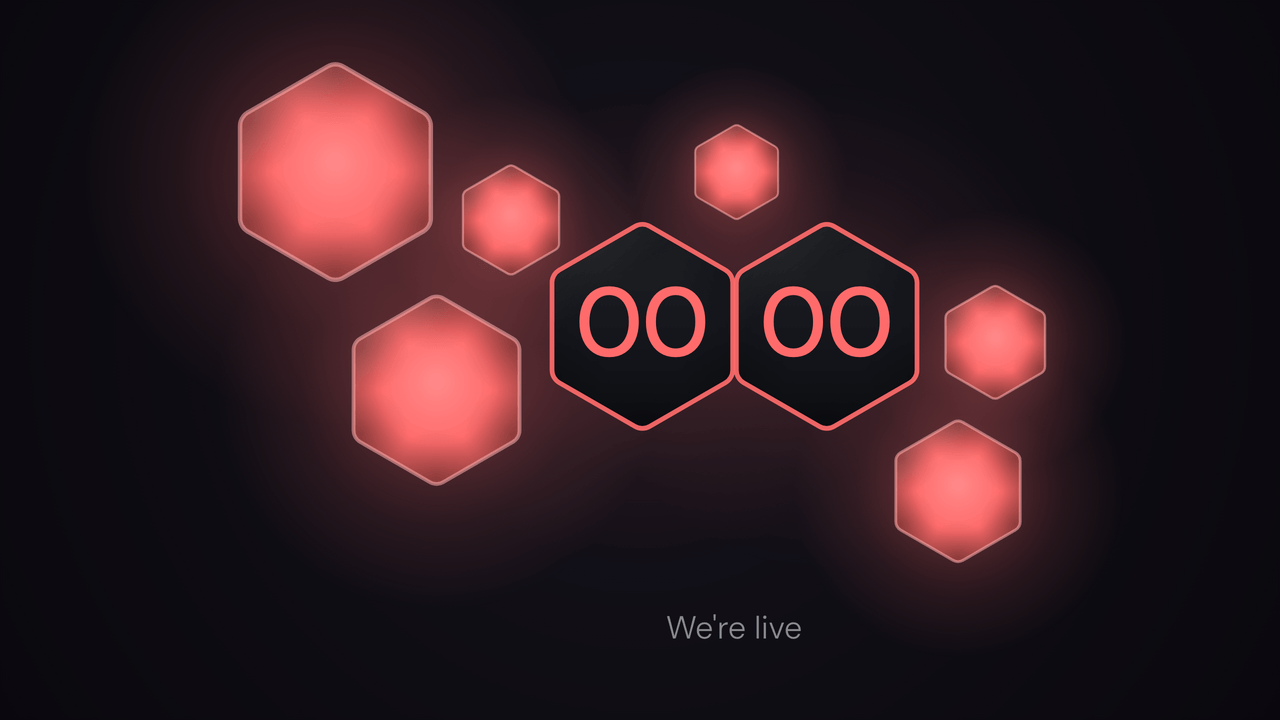
  • Hex Sketch: zero. The end message replaces the message.

    ZeroThe end message replaces the message.

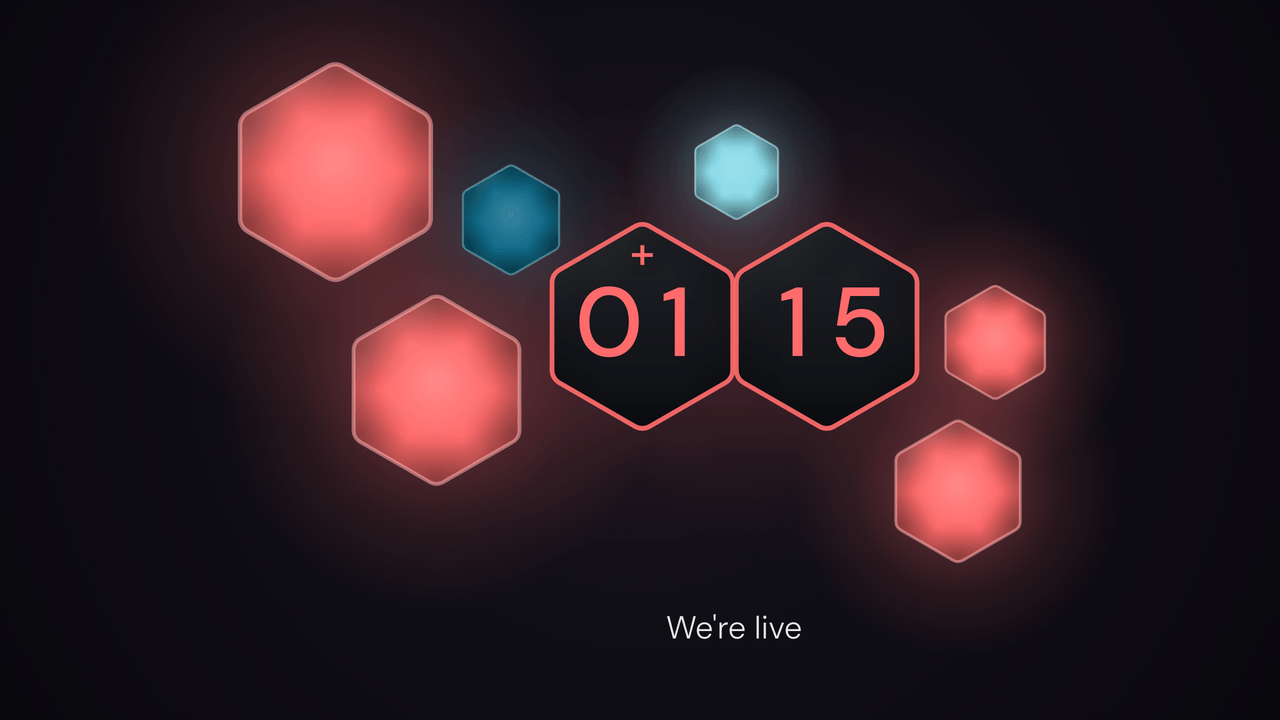
  • Hex Sketch: overtime. Counting up past zero, 1:15 over.

    OvertimeCounting up past zero, 1:15 over.

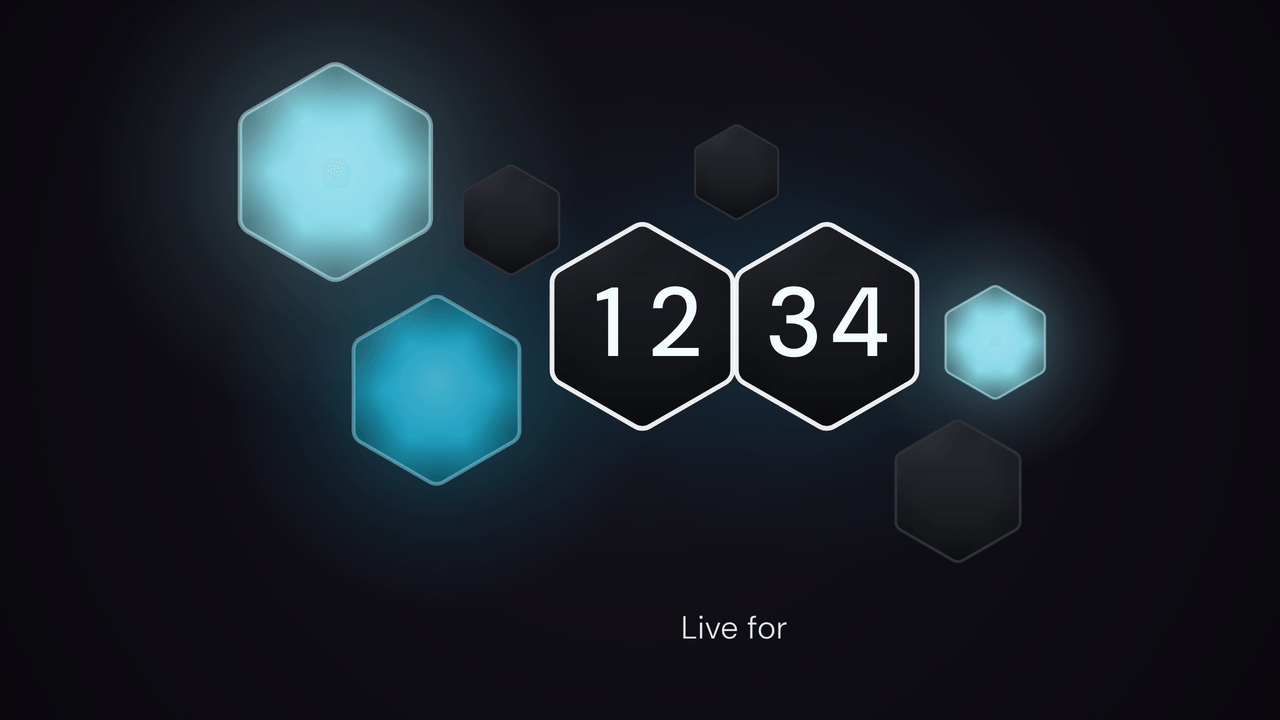
  • Hex Sketch: count up. A stopwatch, 12:34 in.

    Count upA stopwatch, 12:34 in.

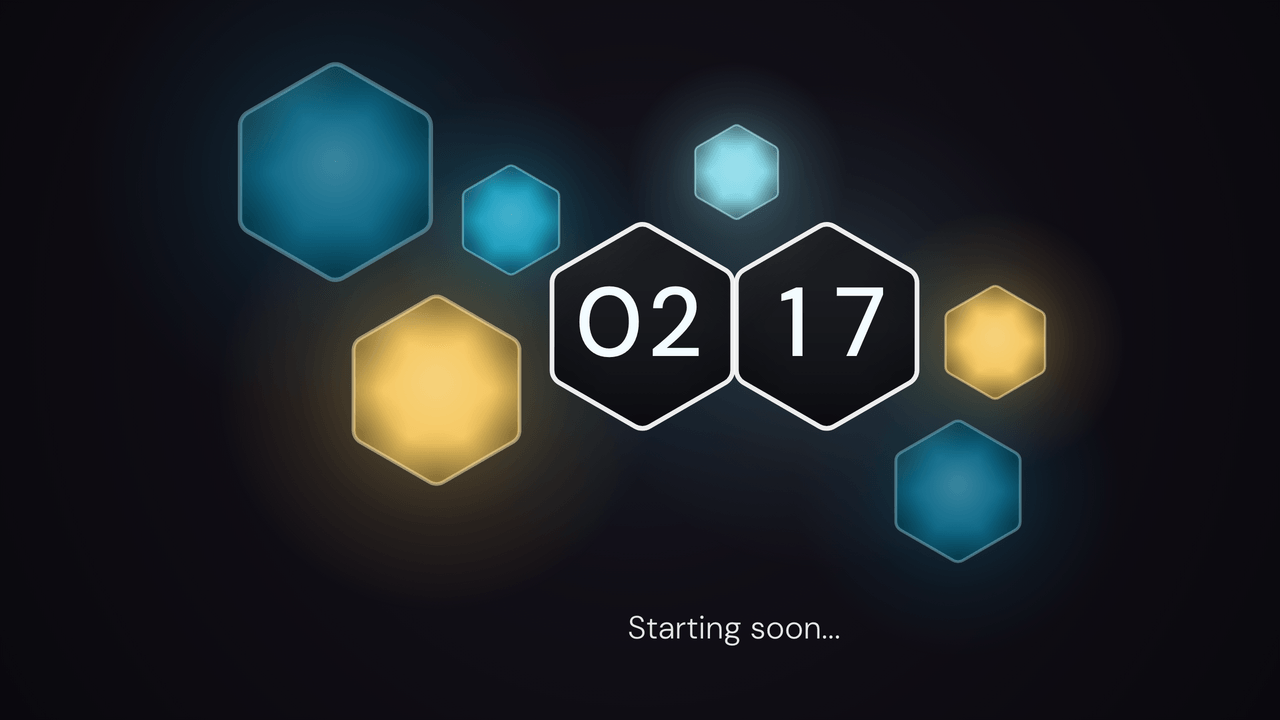
  • Hex Sketch: paused. Stopped mid-run at 2:17.

    PausedStopped mid-run at 2:17.

How Hex Sketch works

The wall stays lit until the last minute. Then the panels flip to dark glass one by one, one every ten seconds, outer panels first, so the light pulls in toward the digits as the seconds run out. The lit panels keep flipping, one a second, so the wall is never still for long and never busy either.

The final minute breathes too. The lit panels pulse once a second. The glow behind the seconds cell warms to the palette's beat color, and it deepens as the seconds run out. You can read it from across the room, and it never turns into an alarm.

What can I change?

Pick a palette: Teal, Mono, Acid, or Cotton Candy. Set the background color, or go transparent and hang the panels over your scene. The glow lands on your video. Messages work as they do everywhere else and sit under the panels. Hex Sketch sets its own digits, so a saved timer color, bar, ring, font size, or digit font doesn't change the design. Duration, clock targets, start triggers, resume, and overtime still work.

What happens at the end?

At zero, every panel flips to the beat color in a wave out from the digits. The digits and the cell borders take the same color. Overtime lights the panels again, one a second, and counts the time up with a plus above the minutes cell. Count-up has no scale to drain, so the panels chase around the digits instead. One lights up every second.

Theme controls

  • Palette

    Choose Teal, Mono, Acid, or Cotton Candy.

  • Ground color

    Pick the ground color behind Hex Sketch.

  • Transparent mode

    Remove the full background and show the timer over your OBS scene.

A plain timer stays ready.

TimerBox shows a visual theme only after the full display is ready. If the theme cannot start or stops drawing, a plain digit timer takes its place.