TimerBox

Works with OBS, Streamlabs, and any browser source.

Open stream builder

Loading Dreamfade Cat preview

Preview paused

Timer theme

Dreamfade Cat

A sleeping cat. Color drifts with each quiet minute.

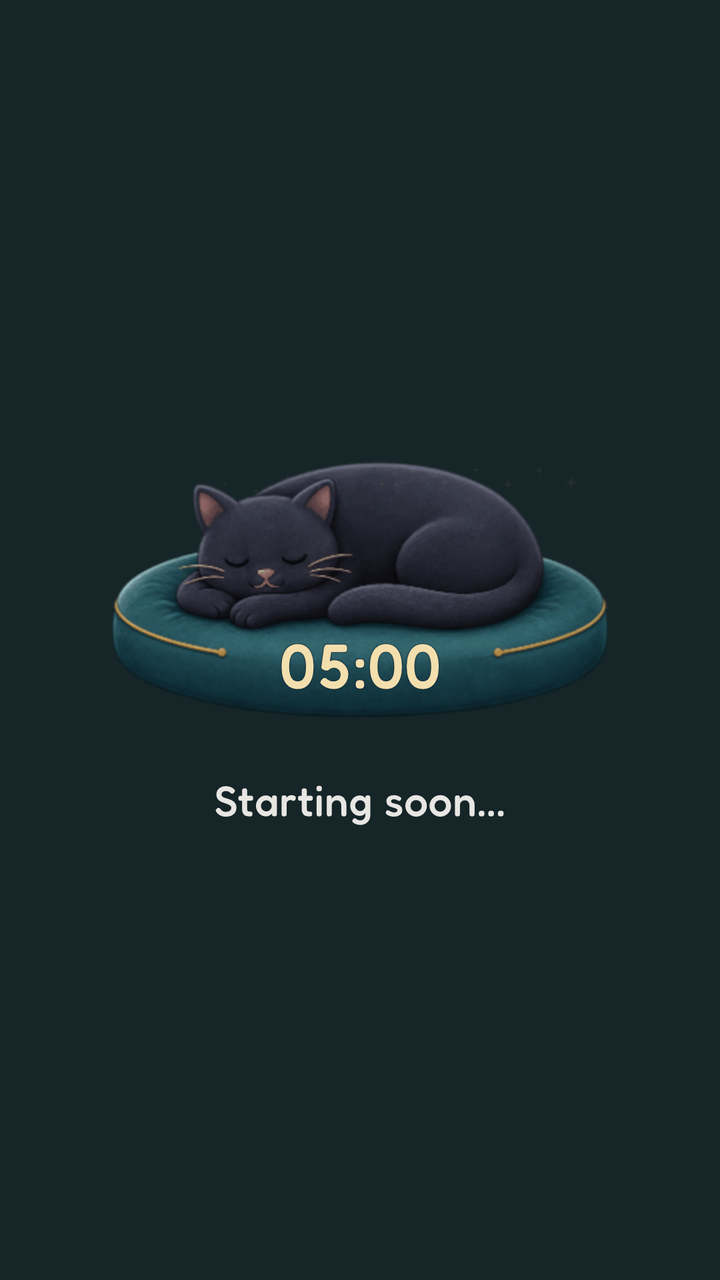
A charcoal cat asleep on a round cushion. Over one minute the color drifts out of the scene; over the next it drifts back. A trail of small dream stars follows the fade, so the minute stays readable without a single hard tick.

OverlayFull background

Paid theme, €7.99. Preview is free; the purchase gets you the license key.

Unlocked on this browser.

Preview Dreamfade CatUse Dreamfade Cat
Get Dreamfade Cat · €7.99Unlock All Paid Themes · €19.99

One key for every paid theme, including the ones we add later.

Checkout opens on Polar, our payment partner.

Already bought it? Paste your key in the builder.

See it in your scene

16:9Full background
16:9Overlay on stand-in scene art
Dreamfade Cat in a vertical 9:16 frame
9:16Vertical

Every state

What Dreamfade Cat looks like at the moments a preview never reaches. Captured from the same renderer OBS runs.

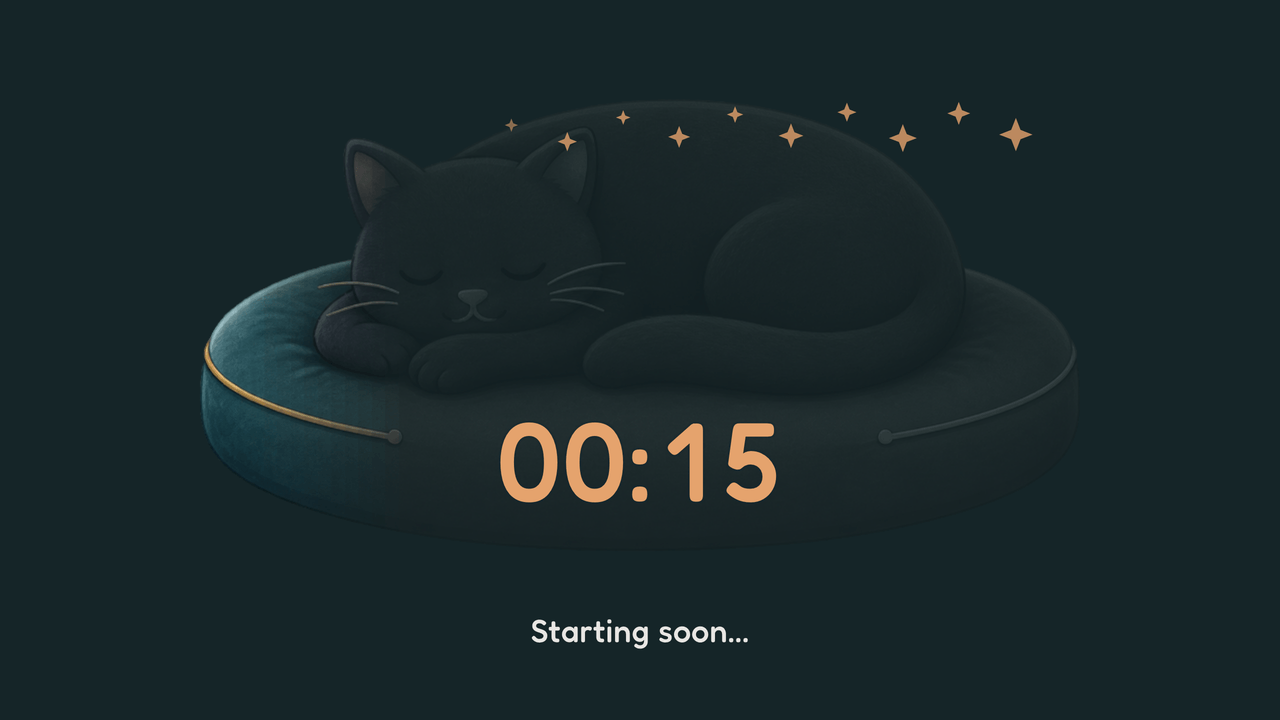
  • Dreamfade Cat: final minute. 15 seconds left of a 5-minute timer.

    Final minute15 seconds left of a 5-minute timer.

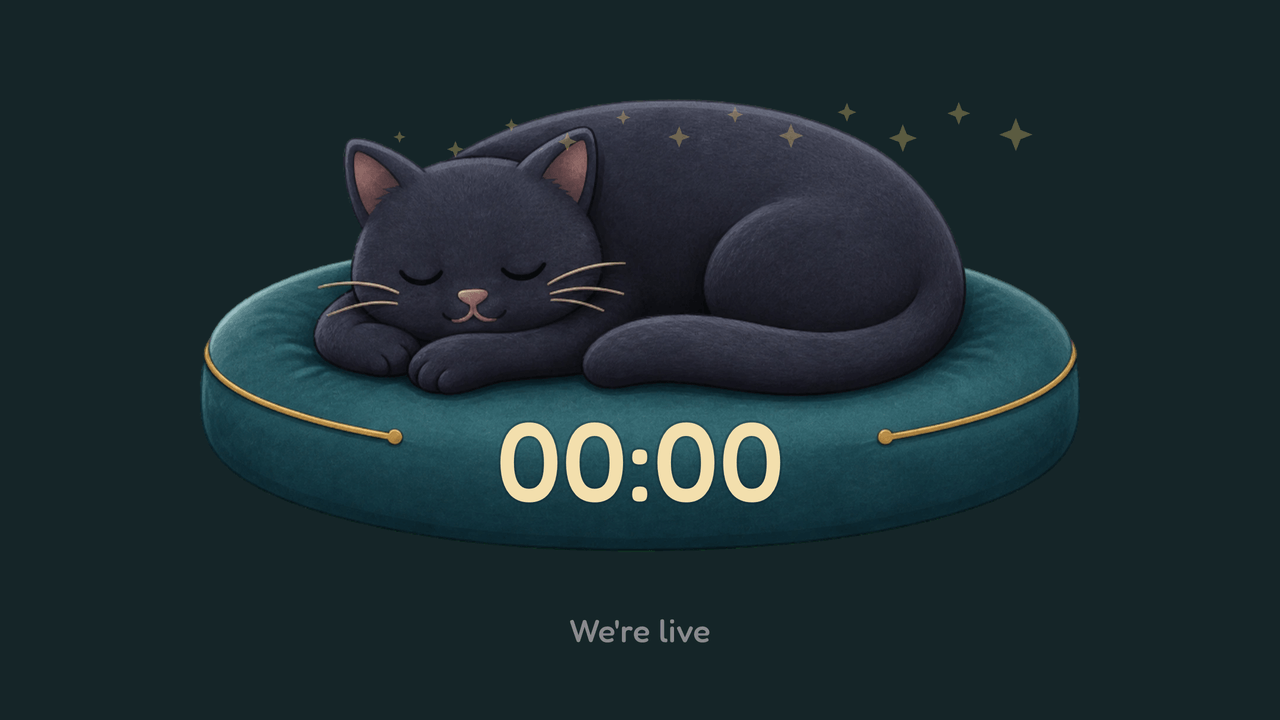
  • Dreamfade Cat: zero. The end message replaces the message.

    ZeroThe end message replaces the message.

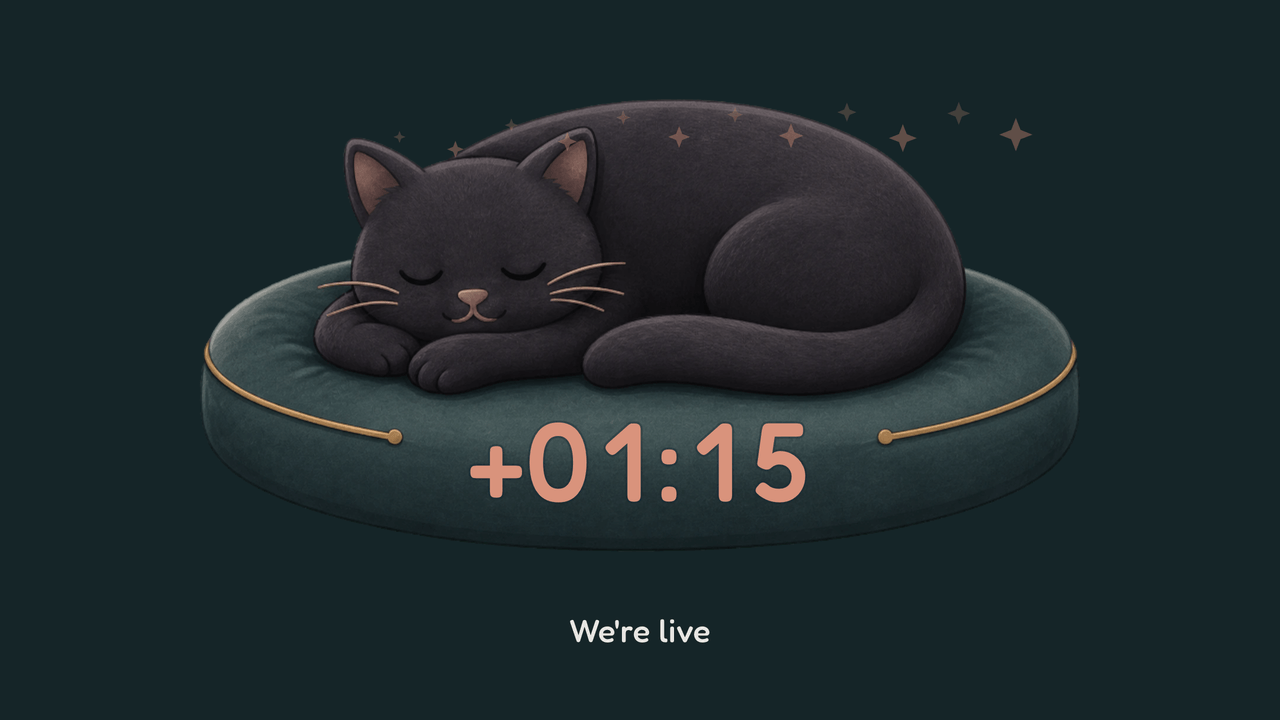
  • Dreamfade Cat: overtime. Counting up past zero, 1:15 over.

    OvertimeCounting up past zero, 1:15 over.

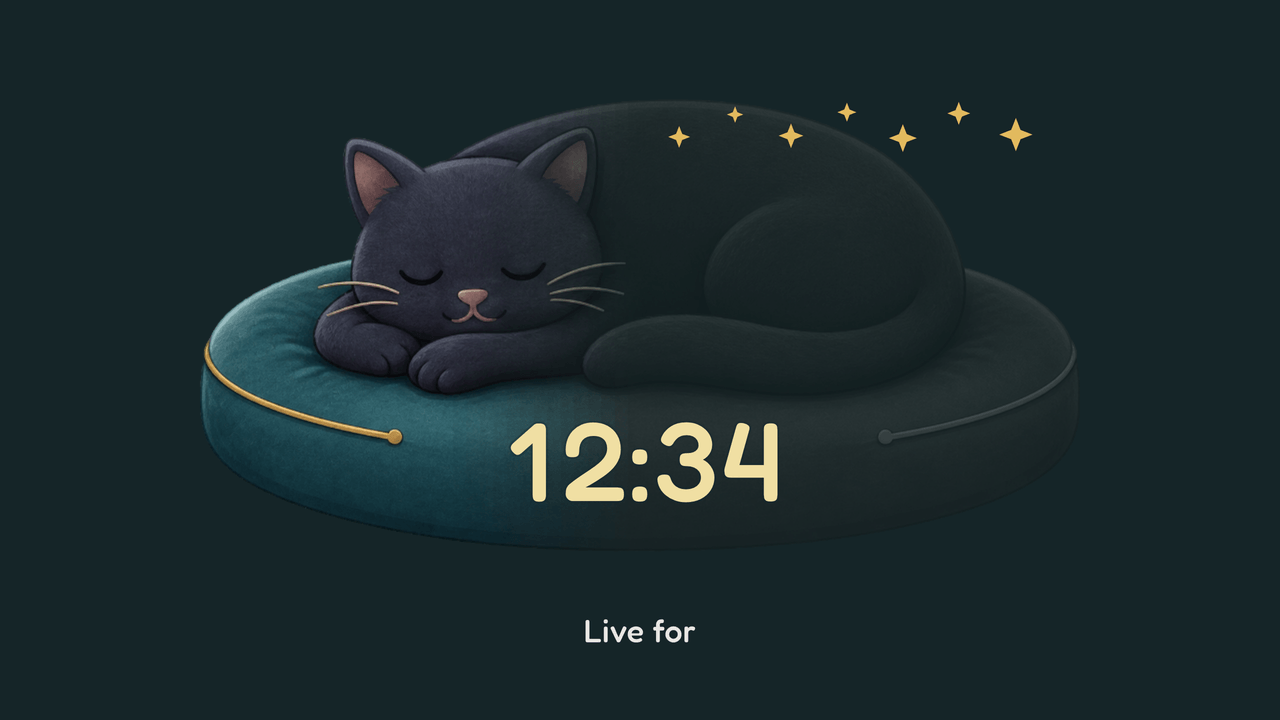
  • Dreamfade Cat: count up. A stopwatch, 12:34 in.

    Count upA stopwatch, 12:34 in.

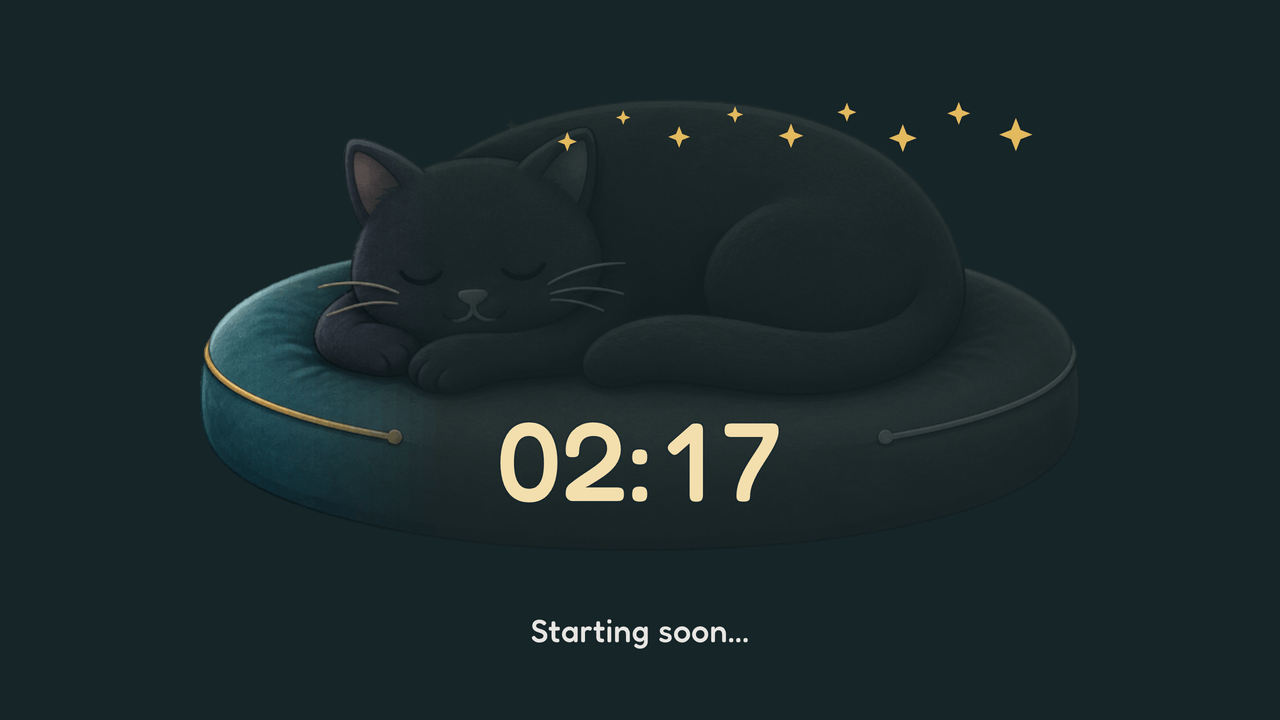
  • Dreamfade Cat: paused. Stopped mid-run at 2:17.

    PausedStopped mid-run at 2:17.

How Dreamfade Cat works

The fade is the clock. Each minute the color recedes across the cat from one side to the other; the next minute it returns. Two minutes per full breath, all of it slow enough to sit behind a stream without asking for attention. The stars light up as the color leaves and dim as it comes home. Count-up breathes at the same pace.

The final minute keeps more of the color and warms the stars, so the last stretch reads different without turning urgent. The timer itself rests on the cushion, in the theme's own rounded face.

What can I change?

Set the background color or go transparent and let the cat sleep over your scene. Messages work as everywhere else, and they default to the theme's rounded face; pick another message font if you'd rather. Dreamfade Cat sets its own digit face and palette, so a saved timer color, bar, ring, or font-size setting doesn't change the design. Duration, clock targets, start triggers, resume, and overtime still work.

What happens at the end?

At zero the cat returns to full color and the stars settle into a quiet gold. Overtime is a dusk scene: the same cat, later in the evening, with the elapsed time counting up on the cushion. The cat is not concerned.

Theme controls

Paid theme, €7.99. Preview is free; the purchase gets you the license key. One key for every paid theme, including the ones we add later, is €19.99.

Unlocked on this browser.

  • Ground color

    Pick the ground color behind Dreamfade Cat.

  • Transparent mode

    Remove the full background and show the timer over your OBS scene.

A plain timer stays ready.

TimerBox shows a visual theme only after the full display is ready. If the theme cannot start or stops drawing, a plain digit timer takes its place.